Open OnDemand
Warning
The Open OnDemand service was released for general users in May 2026 and additional features and services will be developed over time. Any issues or bugs should be reported to the NSF NCAR Research Computing Help Desk. Alternatively, feedback and suggestions for improvement of the Open OnDemand service may be submitted to this Google form.
Open OnDemand (OOD) is a web-based HPC portal that provides access to NSF NCAR's computing resources through an intuitive graphical user interface. Through OOD, users can:
- Open a Derecho or Casper shell environment in the browser
- Run VNC and virtual desktop sessions on Casper
- Review HPC system and job states
- Submit and run HPC job workflows
- Launch GUI based interactive applications
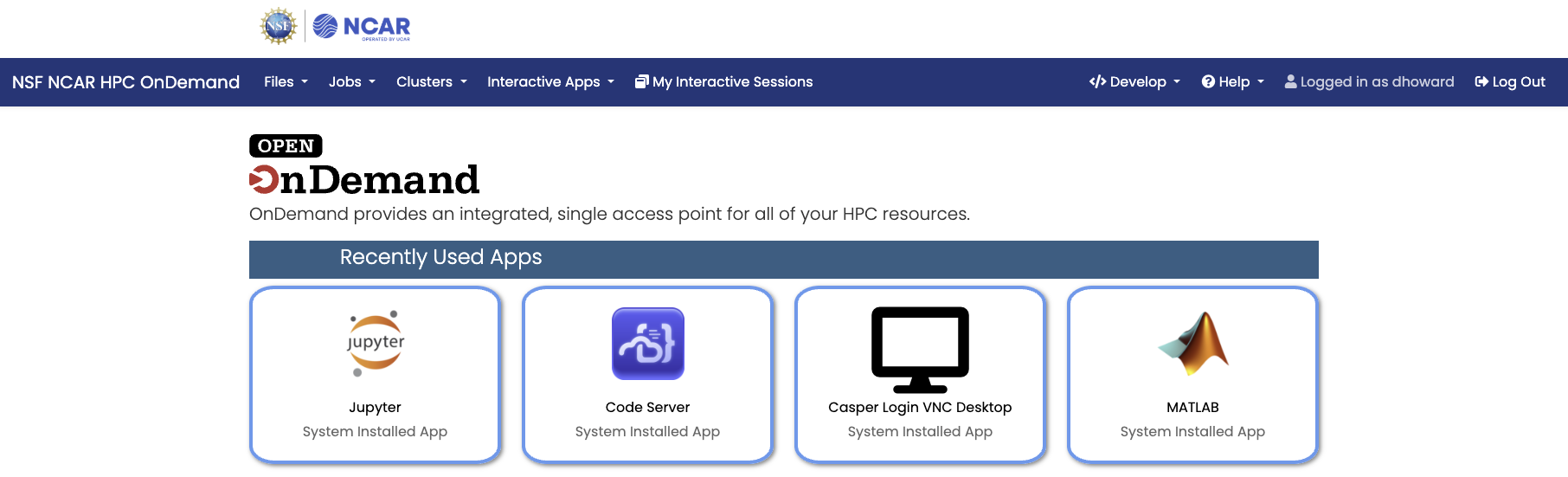
Portal Access
Access and bookmark the Open OnDemand portal at: ondemand.hpc.ucar.edu
NSF NCAR Open OnDemand portal is only available to users who have an active CIT account and credentials. Upon visiting the NSF NCAR Open OnDemand web portal, a Microsoft enterprise login form including NSF NCAR branding will be presented in order to authenticate with your CIT credentials. Please refer to authentication and security for more information.
File Explorer
The file explorer allows you to browse, upload, and manage files on HPC systems. For larger and more complex file manipulation tasks, see Globus file transfers. The Open OnDemand file browser includes a direct link for accessing the Globus web portal.
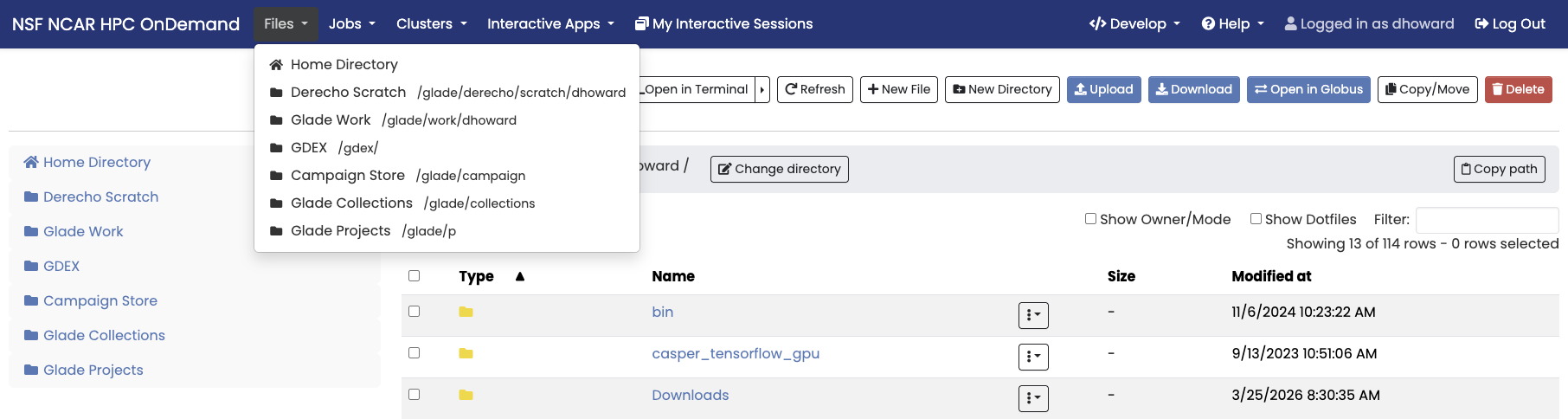
Features
- Browse directories across compute systems
- Upload and download files
- Create and manage folders
- Edit files directly in the browser
Job Status and Composer
OOD provides an active jobs dashboard. Select the dropdown tab Jobs → Active Jobs to review all jobs running across both Derecho and Casper. This interface may be used to review job parameters, manage job related files, access the active jobs via shell, or delete running jobs.
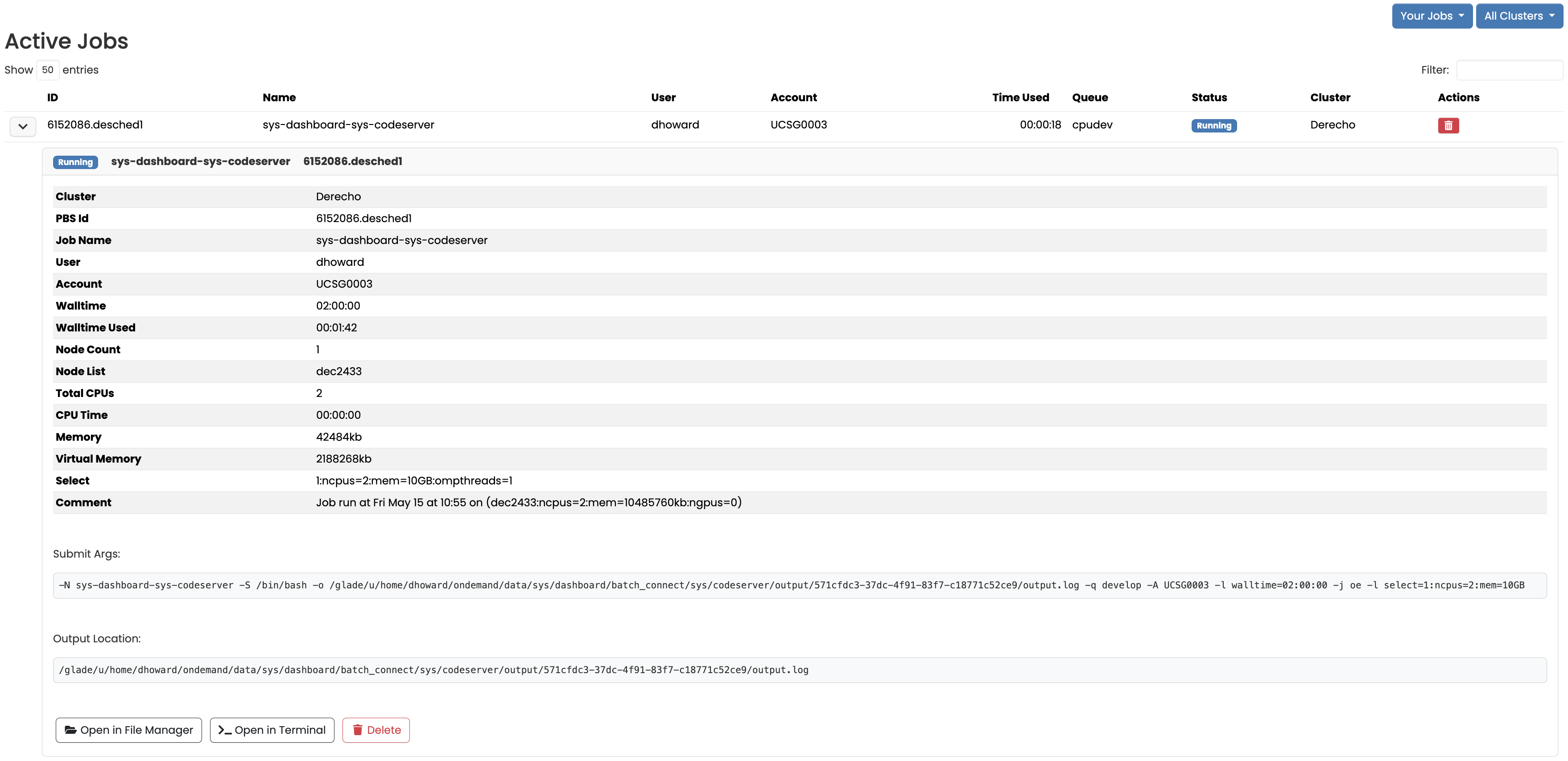
Jobs may also be submitted to Casper or Derecho via the Job Composer.
Interactive Applications
Launch interactive applications including Jupyter notebooks, VS Code, and GUI visualization tools directly or through a remote desktop session without SSH access in the browser. Recently used apps will display on the home page or you can select apps through the drop down menu at the top of the page.
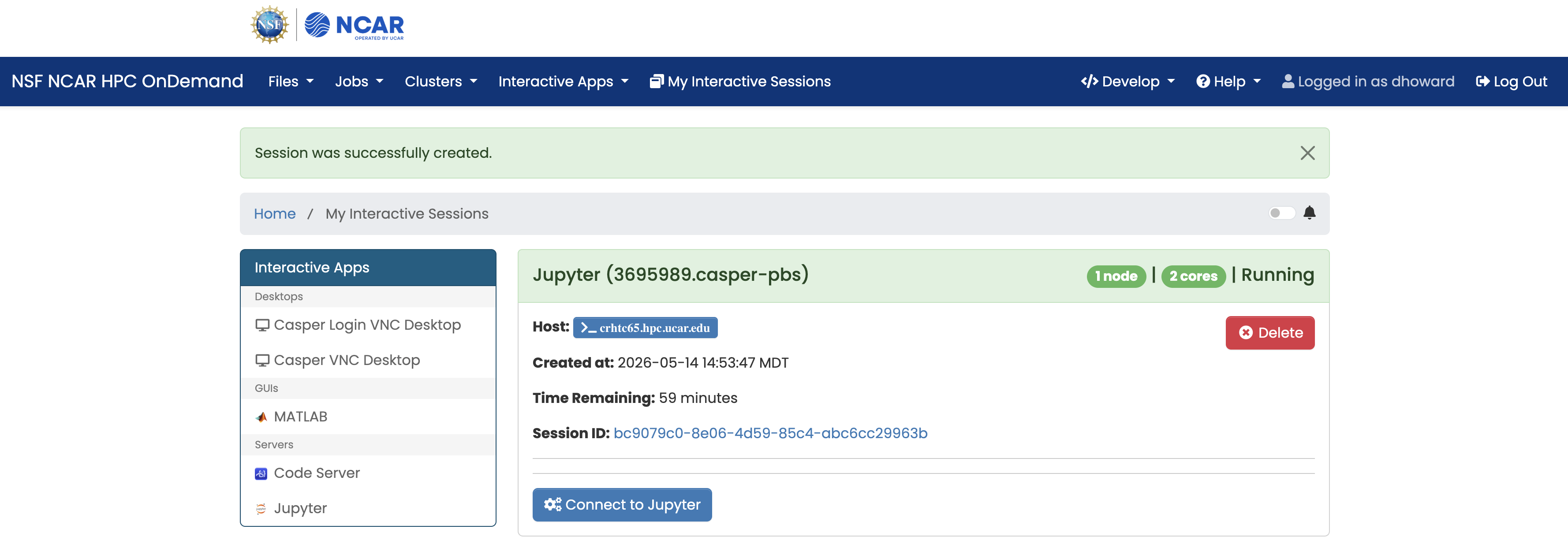
Available Applications
- JupyterLab Environment
- Visual Studio Code Server
- MATLAB
- VNC Desktop (Casper Only)
Note
VS Code Server by default runs with 2 CPU cores and 10 GB of memory via OOD on shared nodes in the develop queue. See Visual Studio Code for more tips on how to use VS Code on Casper and Derecho as well as how to run with alternate sets of compute resources.
Additional applications will be provided through Open OnDemand over time and depending on community interest. Examples of applications built across the HPC community can be found at the Open OnDemand Community Hub Appverse.
Resources and Getting Help
Specific applications for classroom and educational purposes are also supported with OOD. Educators are encouraged to engage with the OOD in the Classroom ACCESS Affinity groups to learn more.
To learn how to develop an OOD application, please see Interactive Apps for Open OnDemand and Appverse.
For general user support regarding Open OnDemand at NSF NCAR, reach out to the Consulting Services Group User Support Team or contact the CISL Support Team.